
New Card Types
FreeTCG: Card Shop Simulator · v1.1 · by Ketaros
About
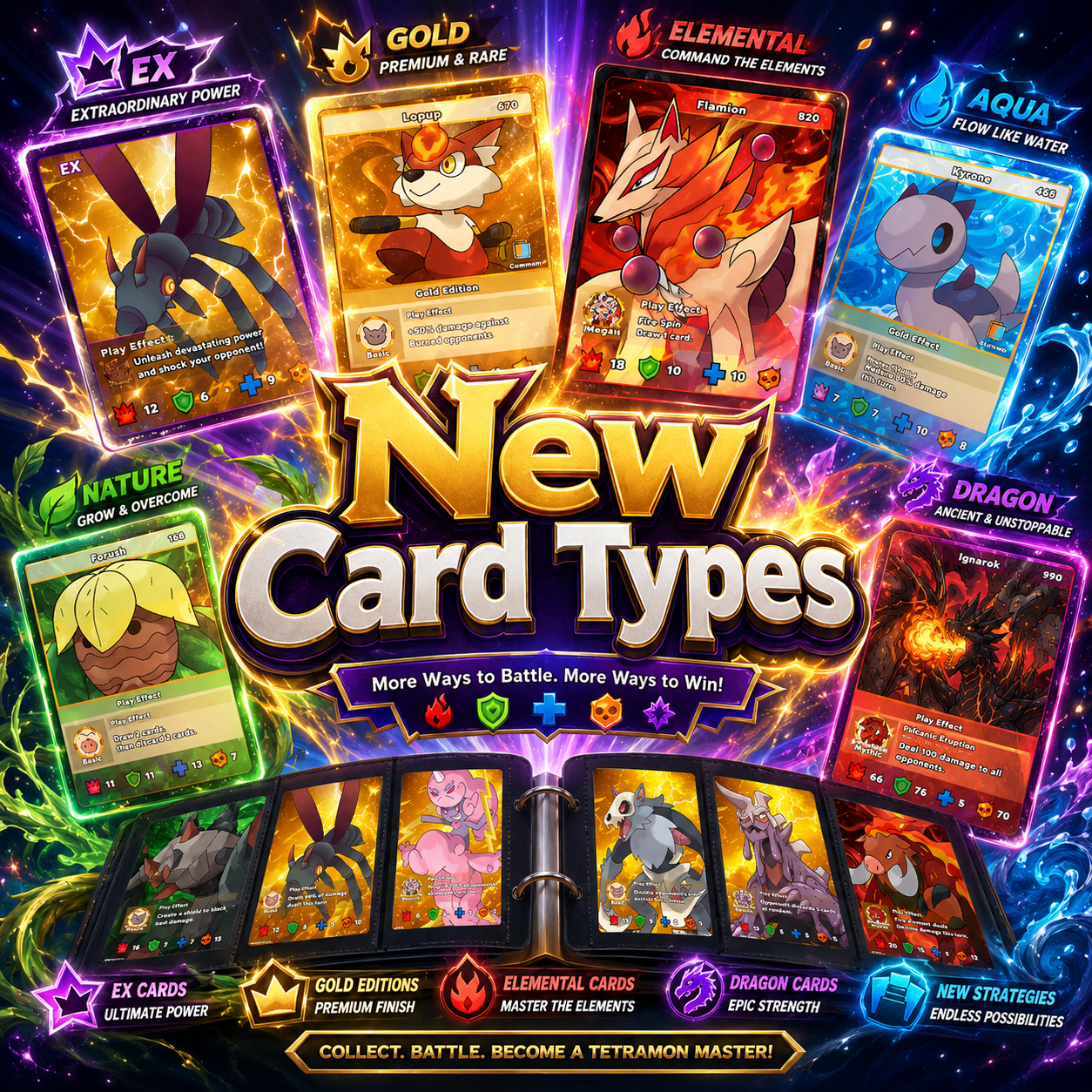
New Card Types is a framework for adding brand-new card border types to the game, each with its own art, drop chance, and Fame value, all controlled from one editable master table. It owns the pack border cascade, the Fame math, album ordering, binder display, and market pricing for every border at once.
Custom-border cards are stored in an appended save-index region, so they can never collide with or corrupt your existing collection, and no game enum is ever patched. Add your own border by dropping in a frame PNG plus one table section, and it joins the pack cascade, album, binder, and pricing automatically.
The Border Line-up
All 11 borders in the shipped table, ordered by Fame. Custom borders are added by this mod; Vanilla borders are re-balanced through the same table.
 ID 0Vanilla
Basic
 ID 1Vanilla
First Edition
 ID 7Custom
Second Edition
 ID 10Custom
Third Edition
 ID 6Custom
Bronze Edition
 ID 2Vanilla
Silver Edition
 ID 3Vanilla
Gold Edition
 ID 8Custom
Colorful Edition
 ID 4Vanilla
EX
 ID 9Custom
Four Elements
 ID 5Vanilla
Full Art
How Fame and value work
Final Fame = (Border Fame + Rarity Bonus) x Foil.
Rarity bonus: Common 0, Rare 5, Epic 15, Legendary 40, Super Legend 80. Foil multiplier: 2.5x. Market prices for custom borders are generated from their Fame, so they sell for sensible amounts out of the box.
Requirements
- TCG Card Shop Simulator (Steam)
- BepInEx 5.x installed for the game
- Save-safe by design: no enum patching, and custom borders use an appended save-index region so existing saves stay intact. Back up your save before adding or removing borders.
Installation
- Install BepInEx 5.x for TCG Card Shop Simulator.
- Extract the release ZIP into your BepInEx folder, so you get BepInEx/plugins/NewCardTypes/ with NewCardTypes.dll, Config.ini, and the Art folder.
- Launch once and check BepInEx/LogOutput.log for the "NewCardTypes loaded: 11 border(s)" confirmation line.
Changelog
Adds 11 configurable card border types (5 brand-new) driven by a single master Config.ini that controls each border's rarity, drop chance, and Fame value, with save-safe append-region indexing.





Comments (1)
Sign in to join the conversation.
new cards cant be auto added to the card storage for the employee to take to the table