
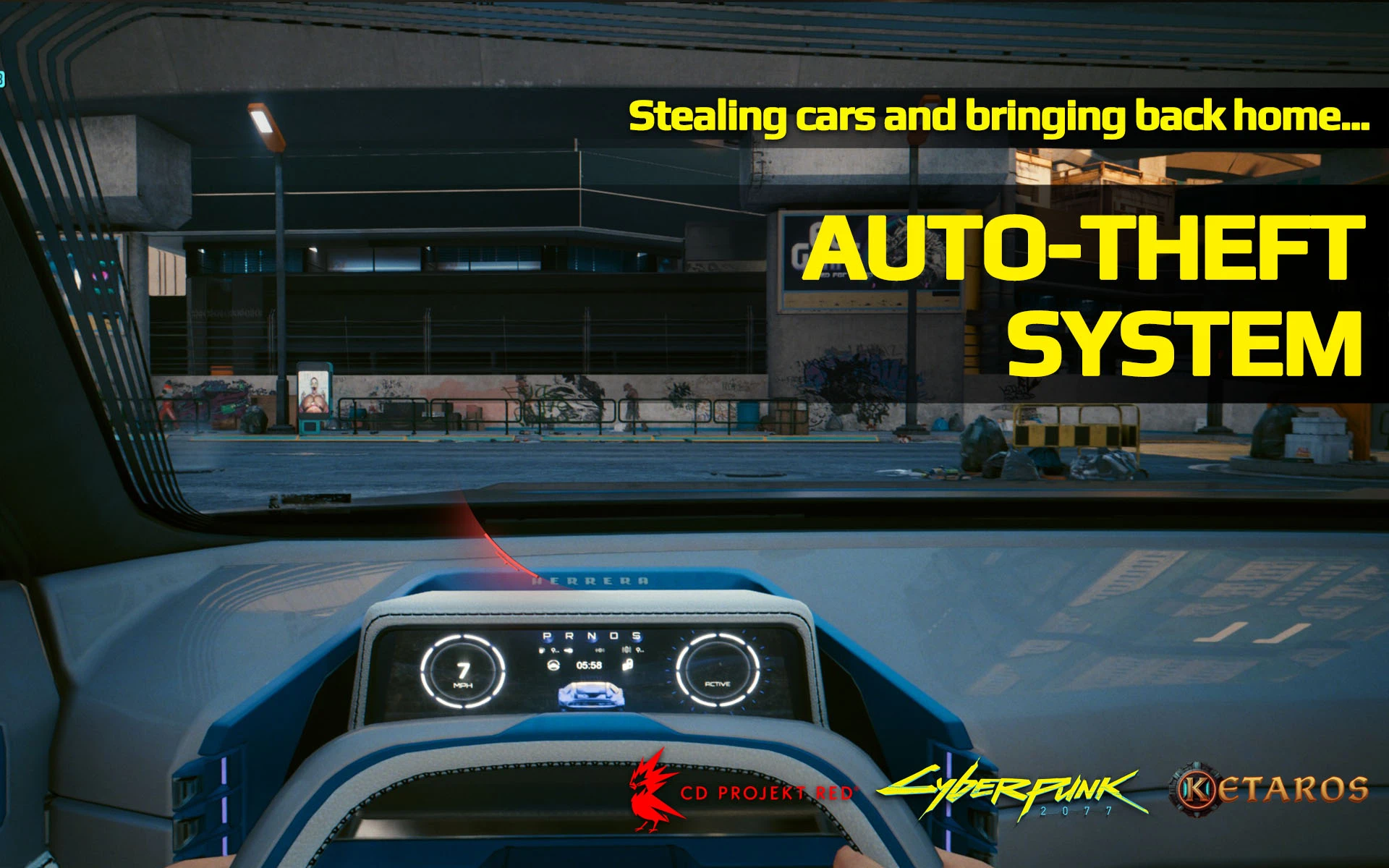
Auto-Theft System
FreeCyberpunk 2077 · v1.2 · by Ketaros
Screenshots
About
See it. Take it. Park it at home. It's yours.
Cyberpunk 2077 patch 2.5 + Phantom Liberty | Cyber Engine Tweaks
Every car in Night City is for sale. You just don't pay for it.
In vanilla, a stolen car is gone the moment you walk away. Auto-Theft System lets you keep it: steal any street car, drive it to one of V's homes or the Badlands garage, and get out. The car goes straight into Call Vehicle, in the same paint it had when you took it. No menus, no paperwork, no fixers.
At a Glance
- Steal any street car or bike and keep it forever, in every save you play
- 7 drop-off points: V's 5 apartments, the Dogtown hideout (Phantom Liberty) and a Badlands garage
- Automatic GPS route to the closest drop-off the moment you take the wheel
- Map pins for every drop-off while you drive a car you don't own
- Keeps the stolen paint: that white-and-blue Quadra comes back white and blue
- Garage picture matches the paint when the game has a picture for it
- No duplicates: call your new car and the one you left at the drop-off goes away
- Heat matters: lose the cops first, a car can't be kept while you're wanted or in combat
- Quest cars stay with their quests, so no story is ever broken
- One-click uninstall: a button gives every stolen car back
How It Works
- Steal a car: any street car or bike, from the driver's seat
- Follow the route: the GPS leads to the closest drop-off, pins show all of them on the map
- Get out at home: within 15 m of the drop-off point, with no police stars and out of combat
- It's yours: "Vehicle added to your garage"
- Call it any time: Call Vehicle, same model, same paint
Get out anywhere else and nothing happens: the car is just a stolen car, like in vanilla.
Drop-off Points
- MB10 (Watson)
- Northside apartment (Watson)
- Japantown apartment
- Corpo Plaza apartment
- The Glen apartment
- Dogtown hideout (only with Phantom Liberty)
- Badlands garage
The GPS always picks the closest one, wherever you steal the car. You don't need to own the apartments: the drop-off is the parking spot in front of each one.
The Paint Stays
Street cars in Cyberpunk get a random paint job every time they spawn, so a stolen car normally comes back in a colour you've never seen. Auto-Theft System remembers the exact paint you stole and puts it back on the car every time you call it, quietly, with no messages.
- Steal the same model in two different paints and you keep both, as two separate cars.
- After your next game launch, the car also gets its own entry, so its paint is part of the car itself.
- When the game has a picture for that paint (named and special paint jobs), the Call Vehicle picture shows that paint. Plain colours keep the model's normal picture.
Settings
With Native Settings UI: Settings > Mods > Auto-Theft System. Without it, edit config.json in the mod folder.
- Enabled: on / off
- Drop-off range: 5 to 30 m (default 15)
- Drop-off pins: show the drop-offs on the map
- Route to the closest drop-off: automatic GPS route
- Notifications: "added to your garage" and heat messages
- Keep the car's look: keep the stolen paint
- Return all stolen cars: button, for uninstalling
Good to Know
- Driver's seat only: riding as a passenger never keeps a car.
- Not kept: quest and side-job cars, AVs, and broken or scripted vehicles.
- Cars you already own don't show pins or a route, and getting out of them at home does nothing.
- The car left at the drop-off goes away when you call your new one. If you save and reload in between, the mod can't recognise it any more and it may stay parked there.
- Stolen paints are remembered for all saves on this PC; which cars you own is saved per save, like any car.
Troubleshooting
No pins or route when I steal a car
Check that CET is working (the overlay opens) and that Enabled and Drop-off pins are on. You must be in the driver's seat, and the car must not already be yours.
I got out at home but the car wasn't kept
Get out closer to the pin (within 15 m, or raise Drop-off range). If you have police stars or are in combat, you'll see "Lose the heat first": lose them, get back in and get out again.
The car came back in a different colour
Make sure Keep the car's look is on. Cars stolen with an older version than 1.2 didn't have their paint recorded and keep a random one.
Checking what the mod did
Open the CET overlay and run:
ats = GetMod("Ket_AutoTheftSystem")
ats.Status()   -- garage size, stolen cars, look records
ats.Here()     -- your position
The mod also writes Ket_AutoTheftSystem.log in its folder. Post it in the comments if something goes wrong.
Compatibility
- Patch 2.5, with or without Phantom Liberty.
- Doesn't replace any game file, so it sits happily next to other vehicle and garage mods.
Credits
- yamashi, psiberx and the CET team for Cyber Engine Tweaks
- keanuWheeze for Native Settings UI
- TheArtificialEnhancer, whose car-stealing mods inspired the idea
Made by Ketaros. Enjoy the ride, choom, it's yours now.
Requirements
- Cyber Engine Tweaks 1.38 or newer
- Optional: Native Settings UI 1.97 or newer, for the in-game settings menu
No RED4ext, redscript, ArchiveXL or TweakXL needed.
Installation
- Install with Vortex or MO2, or extract the zip into your game folder (the one that has bin and archive).
- The mod ends up in
bin\x64\plugins\cyber_engine_tweaks\mods\Ket_AutoTheftSystem. - Launch the game. The CET console shows Auto-Theft System v1.2.0 loaded.
Updating: overwrite the old files. Keep config.json, stolen.json and appearances.json: they hold your settings and your stolen cars' paint.
Uninstall
- In every save you used it in: Settings > Mods > Auto-Theft System > Return all stolen cars, then save.
- Delete the Ket_AutoTheftSystem folder.
Bought and quest cars are never touched. Without Native Settings UI, open the CET overlay and run:
GetMod("Ket_AutoTheftSystem").ReturnAll()
Comments (0)
Sign in to join the conversation.
No comments yet. Be the first.