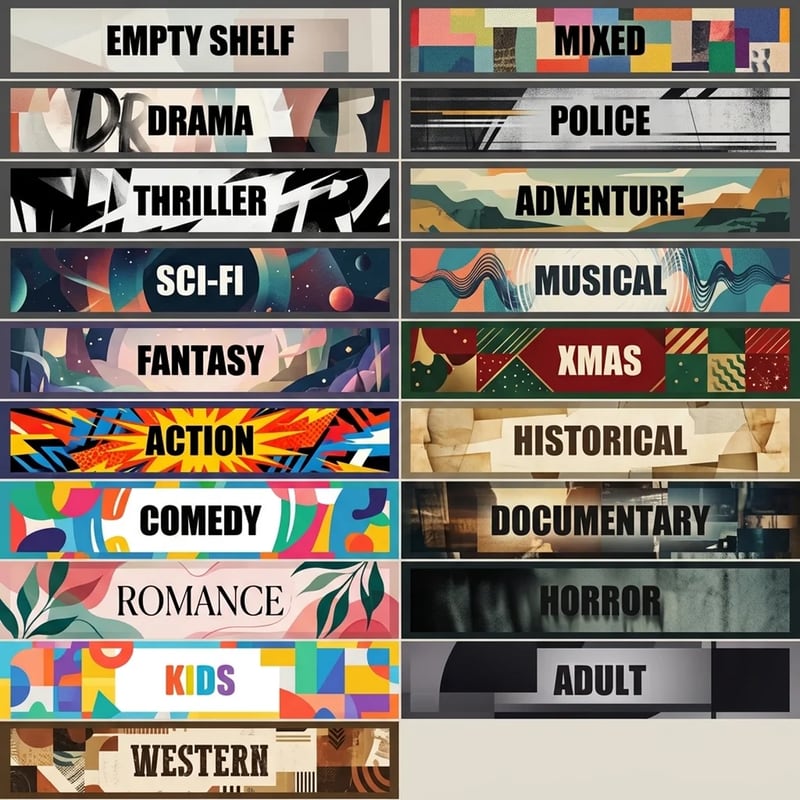
Retro Rewind mod · v1.0.0

New Shelf Titles

Ten brand-new paint styles for the genre signs on top of your shelves. They sit right after the game's own six, and nothing is replaced.
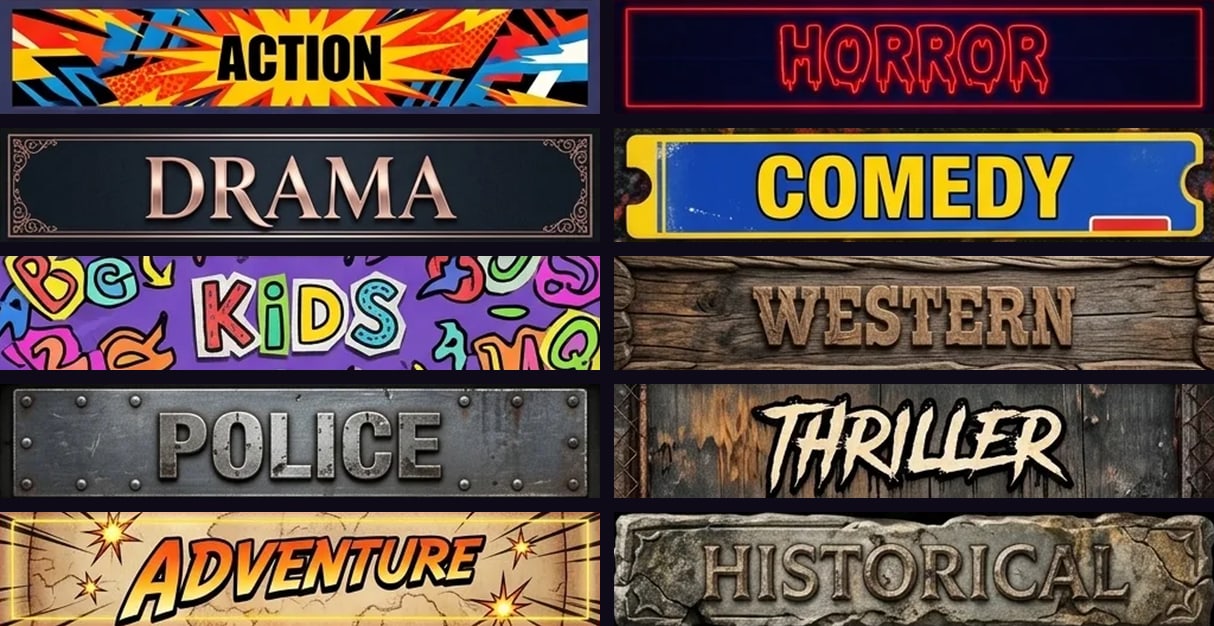
Ten shelf signs, one from each new style: Action, Horror, Drama, Comedy, Kids, Western, Police, Thriller, Adventure and Historical
Tired of the same six?

Same genre, ten new looks

Open a sign's paint panel ("SHELVE TITLE") and the new styles are right after the vanilla ones. Every genre has its own hand-made label in every style, so a whole aisle can match.
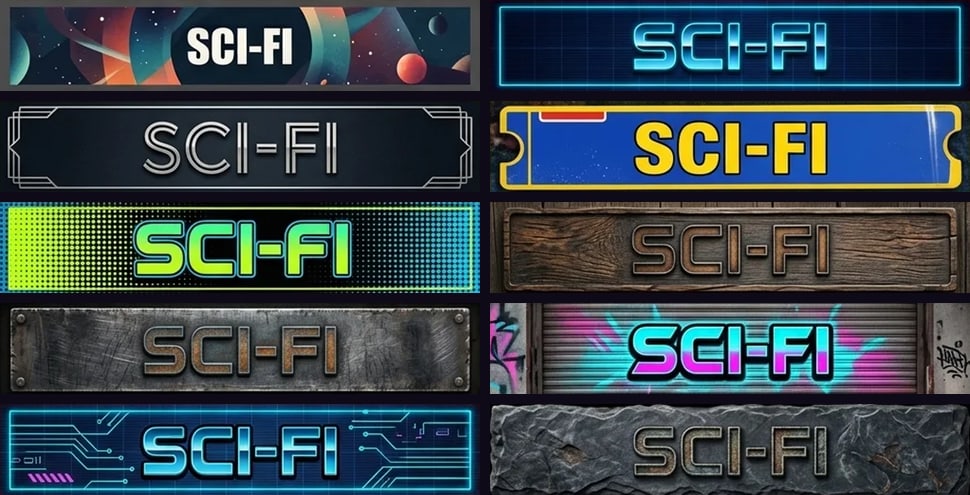
The Sci-Fi sign in all ten new styles
The Sci-Fi sign in all ten styles.
The styles

10 sign paints

Each sheet below is the real paint the mod adds, with all 21 labels.
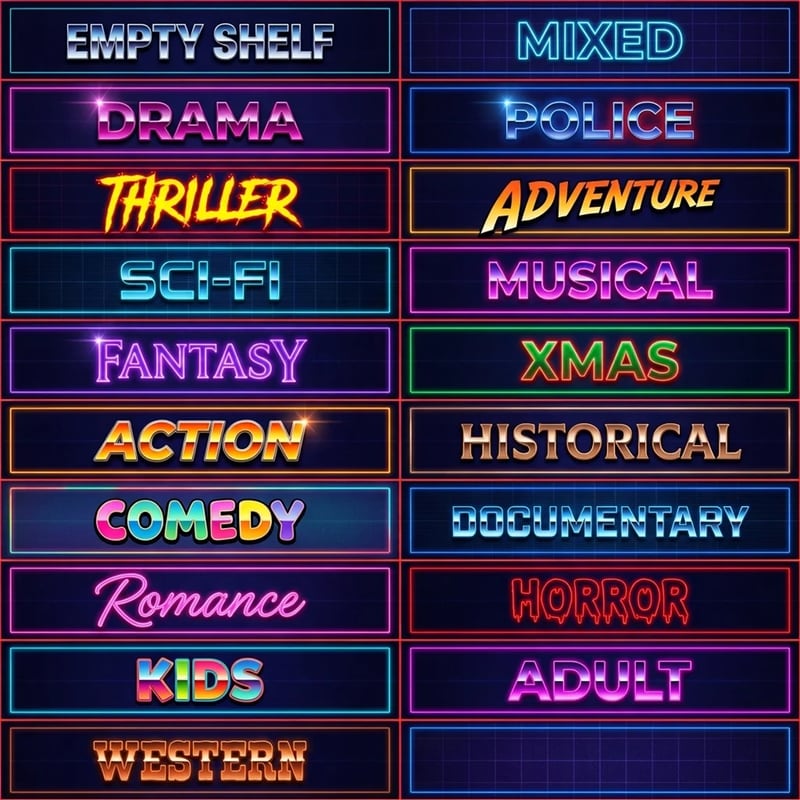
Artistic style: all 21 genre labels
01ArtisticBold abstract poster art.
Neon style: all 21 genre labels
02NeonGlowing tubes on a dark grid.
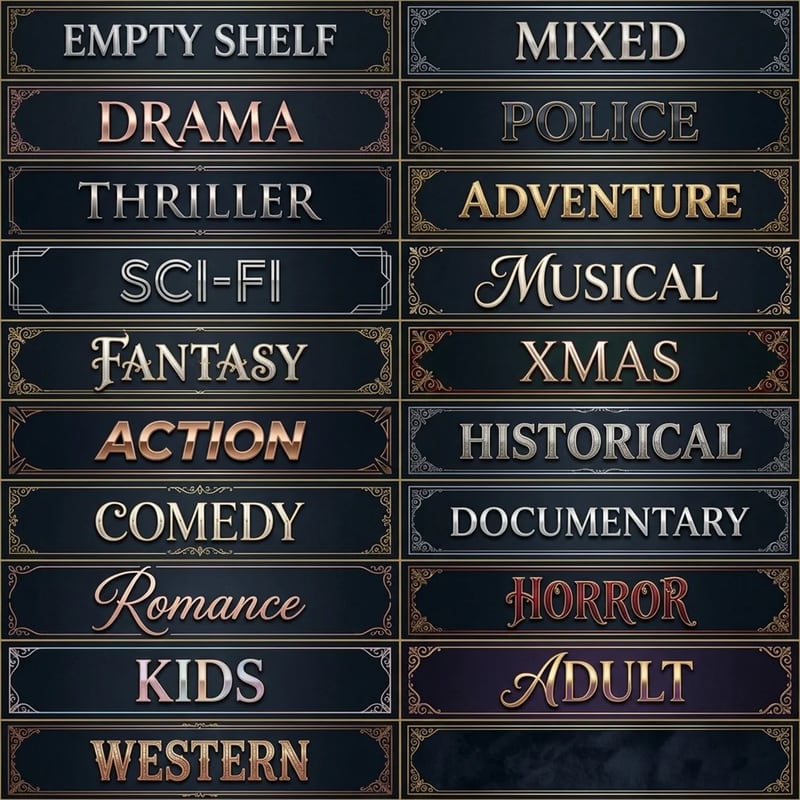
Art Deco style: all 21 genre labels
03Art DecoBrass lettering, gilded frames.
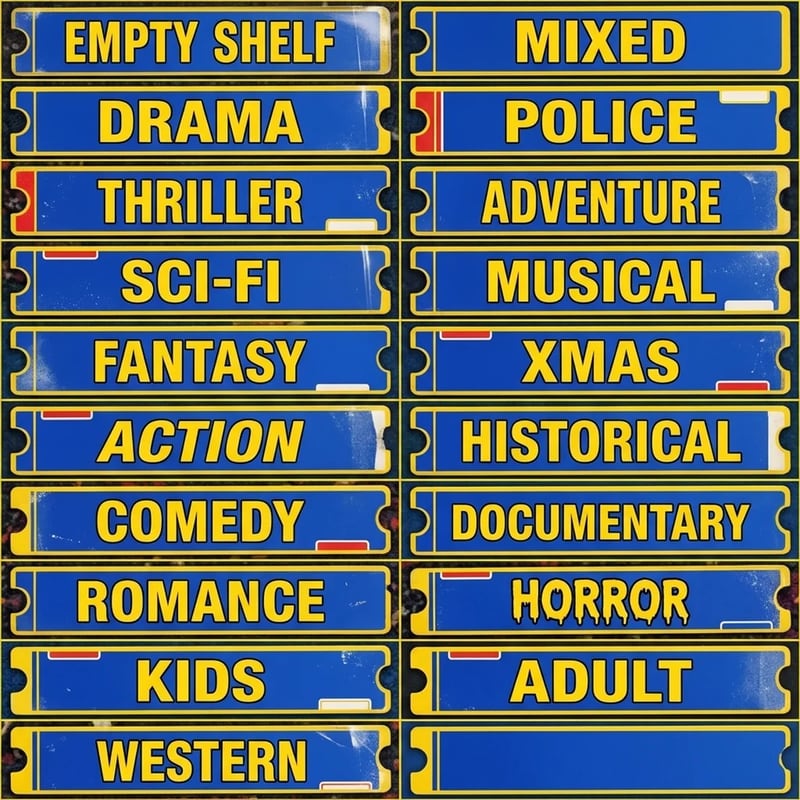
Blue Plates style: all 21 genre labels
04Blue PlatesEnamel store plates, yellow type.
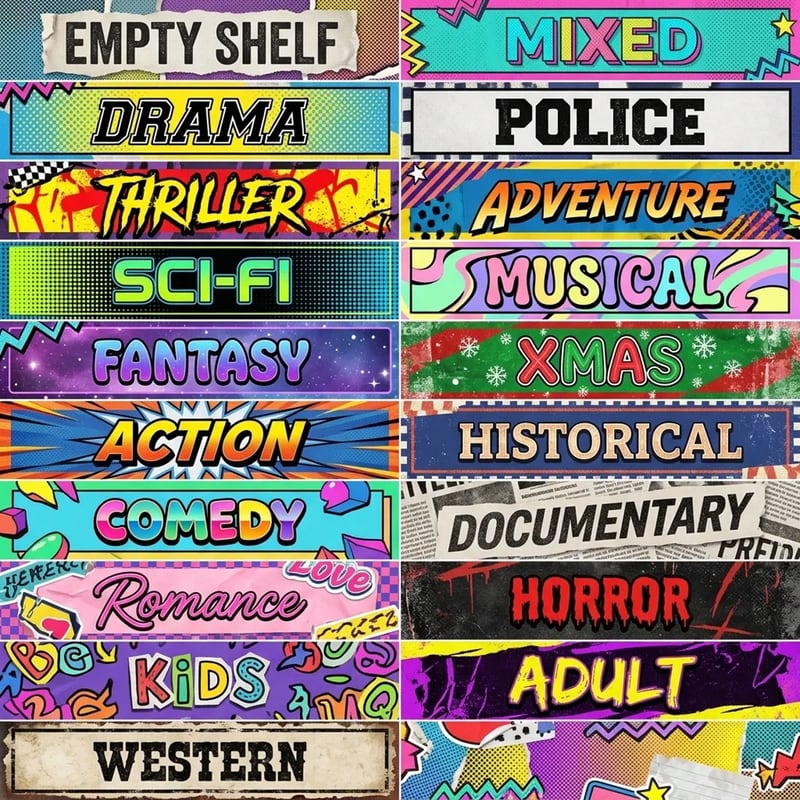
Pop Art style: all 21 genre labels
05Pop ArtHalftone dots and comic colour.
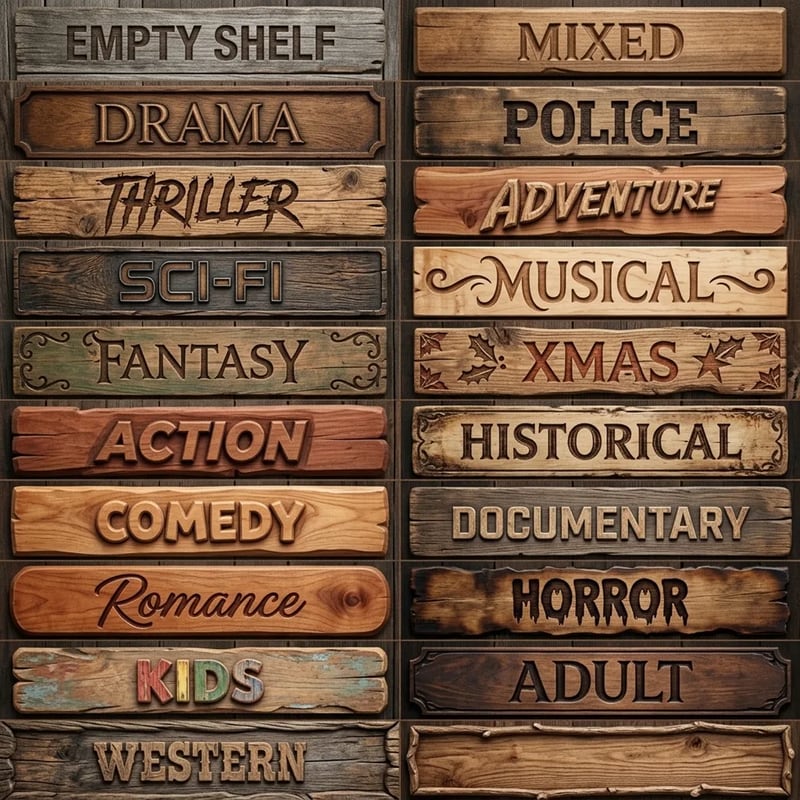
Wood style: all 21 genre labels
06WoodCarved letters in weathered planks.
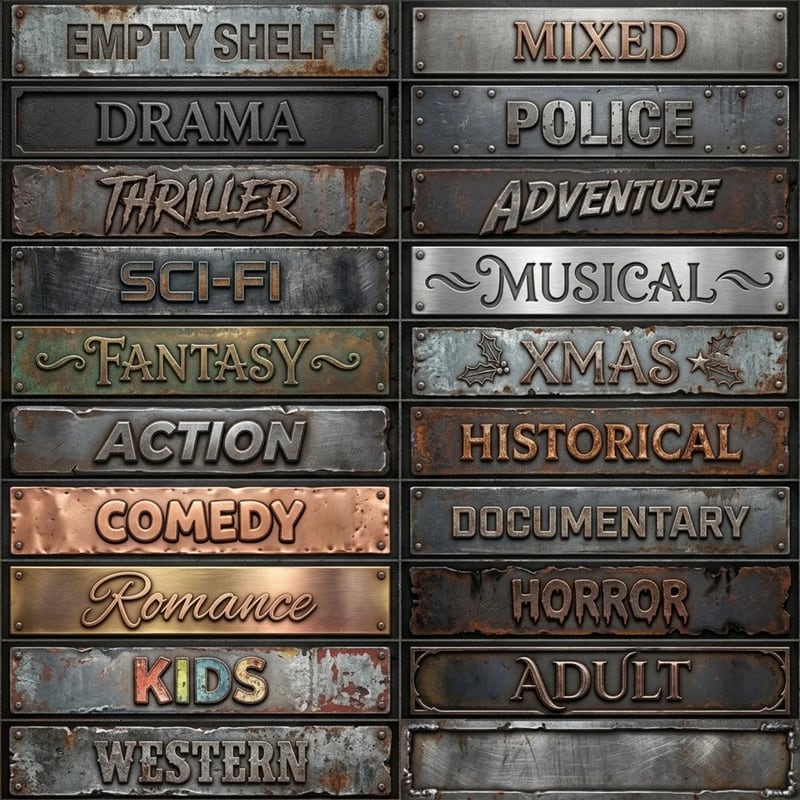
Metal style: all 21 genre labels
07MetalRiveted steel and rust.
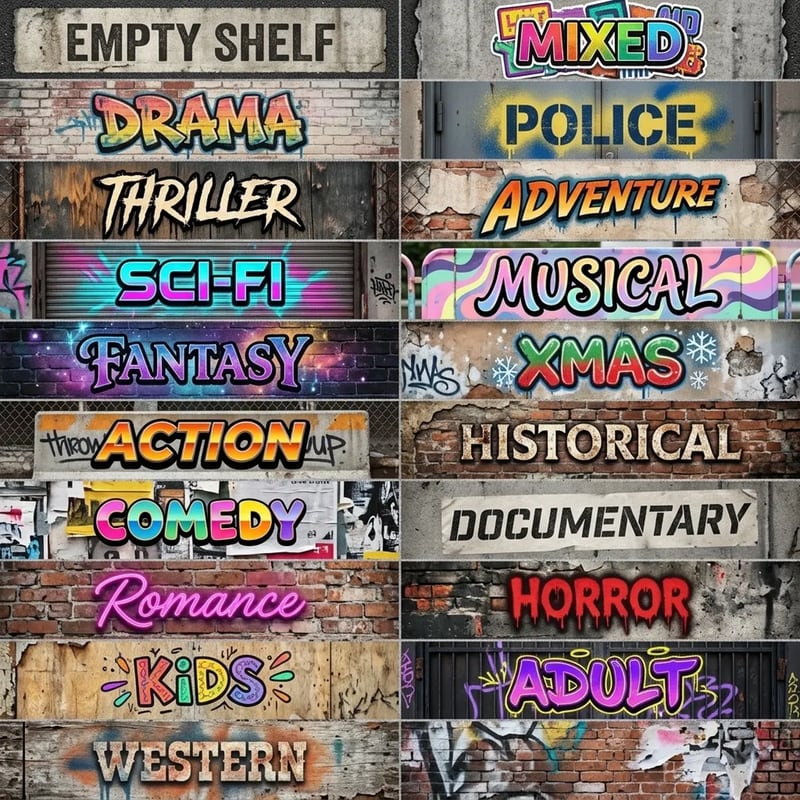
Graffiti style: all 21 genre labels
08GraffitiSpray paint on brick and shutters.
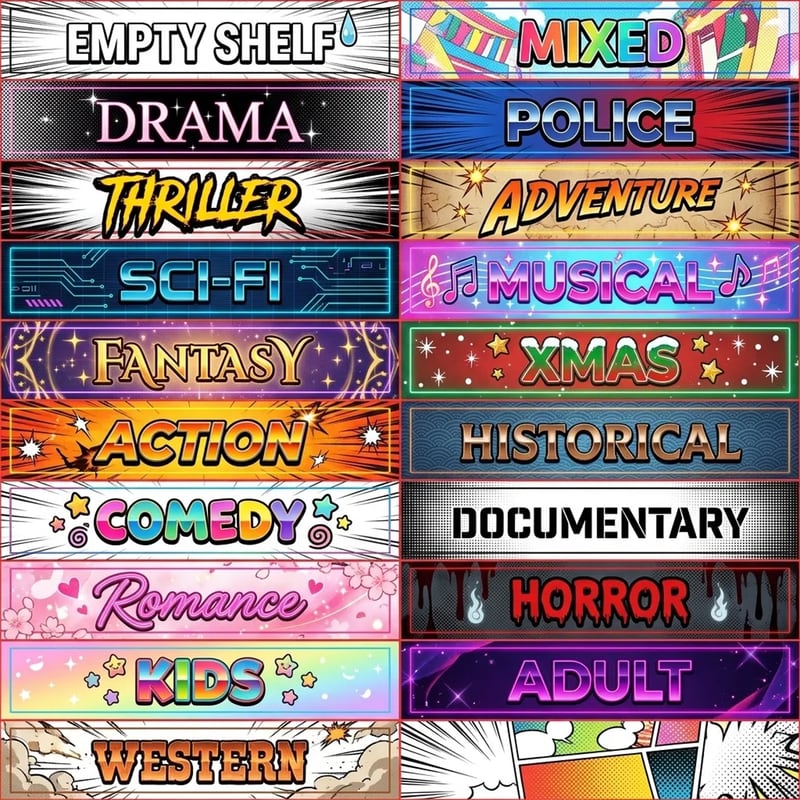
Cartoon style: all 21 genre labels
09CartoonSaturday-morning bursts and stars.
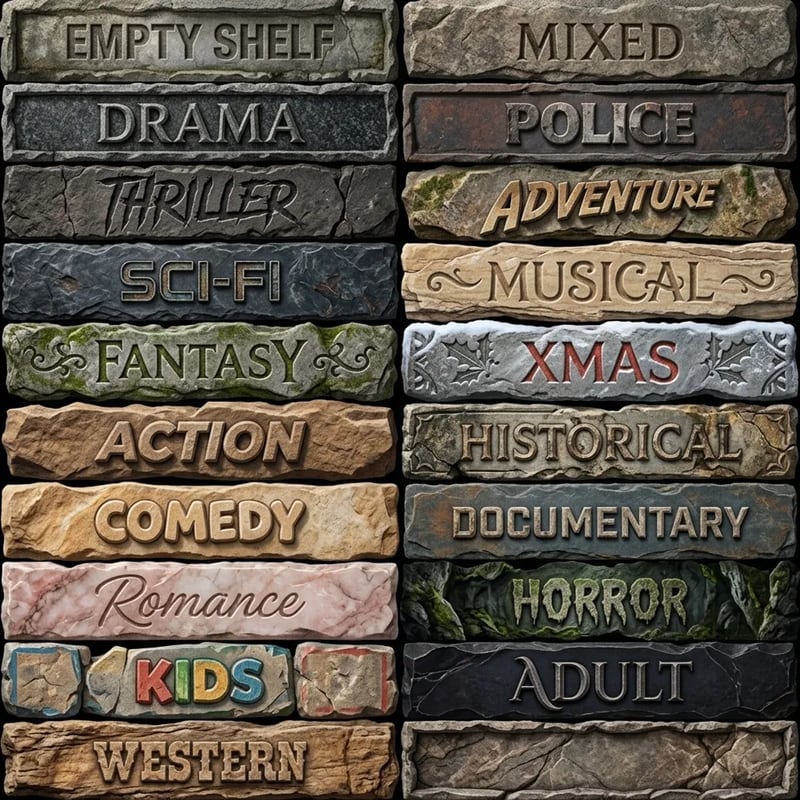
Stone style: all 21 genre labels
10StoneChiselled slabs, cracked and mossy.
Every section covered

All 21 labels

All 19 genres, plus Mixed and Empty Shelf.

Features

Plays like a vanilla paint

In the game's own panel

The new styles show up in the game's paint panel, with thumbnails, right after the six vanilla ones.

Saved with your store

A painted sign is saved like any vanilla paint and is still there when you load.

Nothing replaced

The vanilla styles stay as they are, so it works alongside sign re-skin mods.

Safe to remove

Uninstall any time: painted signs fall back to the game's plain-text label.

In the store

Screenshots

In-game screenshots of New Shelf Titles
are on the way.
Coming soon
Coming soon
Requirements

What you need

Installation

Install in a minute

Install
  1. Close the game.
  2. Extract the zip into the game folder (the one with RetroRewind.exe). It adds:
    RetroRewind\Content\Paks\~mods\NewShelfTitles_P.pak
    RetroRewind\Binaries\Win64\ue4ss\Mods\NewShelfTitles\
  3. Start the game and open the paint panel.
Uninstall

Delete the two items above. Your store is safe; anything painted with a mod paint goes back to the default look until you pick a vanilla paint again.

Changelog

Versions

Companion mod

New Shelf Textures

29 new paints for the shelves themselves: bright colours, real metals and woods, and themed patterns for every genre section.

See New Shelf Textures